
Case study
Medical Document Entity Extraction
In plain English
Turns medical and insurance scans into structured fields you can click back to on the page.
Accuracy moved from 84% to 88%; manual review dropped about 60%.
Who it is for
- Medical and insurance operations who need extract and a highlight on the scan.
- Platform owners who already have OCR but still miss fields and cannot show auditors where a value came from.
Problem
Medical and insurance packets mix print, handwriting, and multi-page layouts. Weekly computer-vision fine-tunes still stuck at 84%. Reviewers could not see which pixels supported a field, so they re-read the whole page.
The client needed extract and a clickable highlight on the scan, not another prompt that hopes the model quoted the right line.
Solution
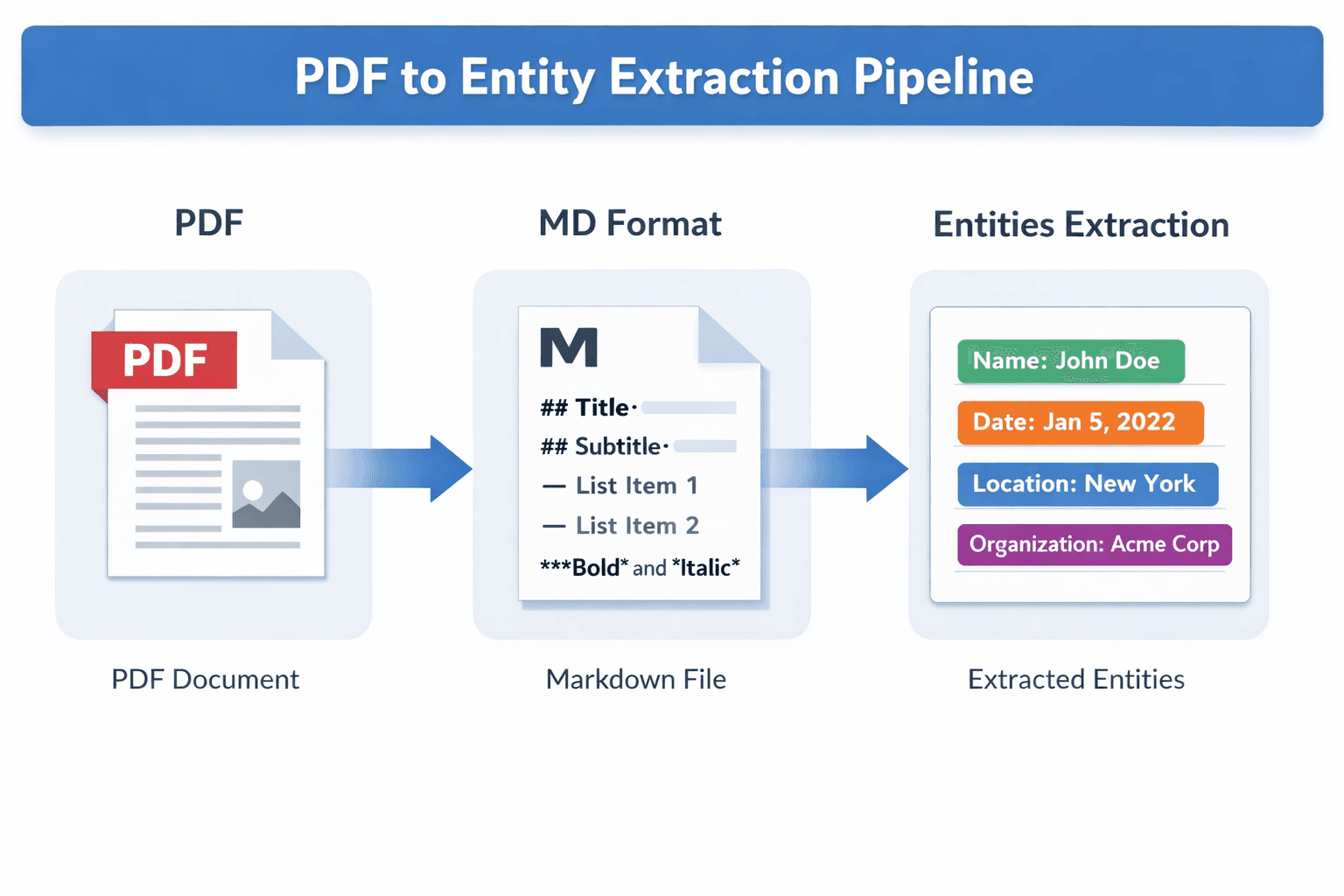
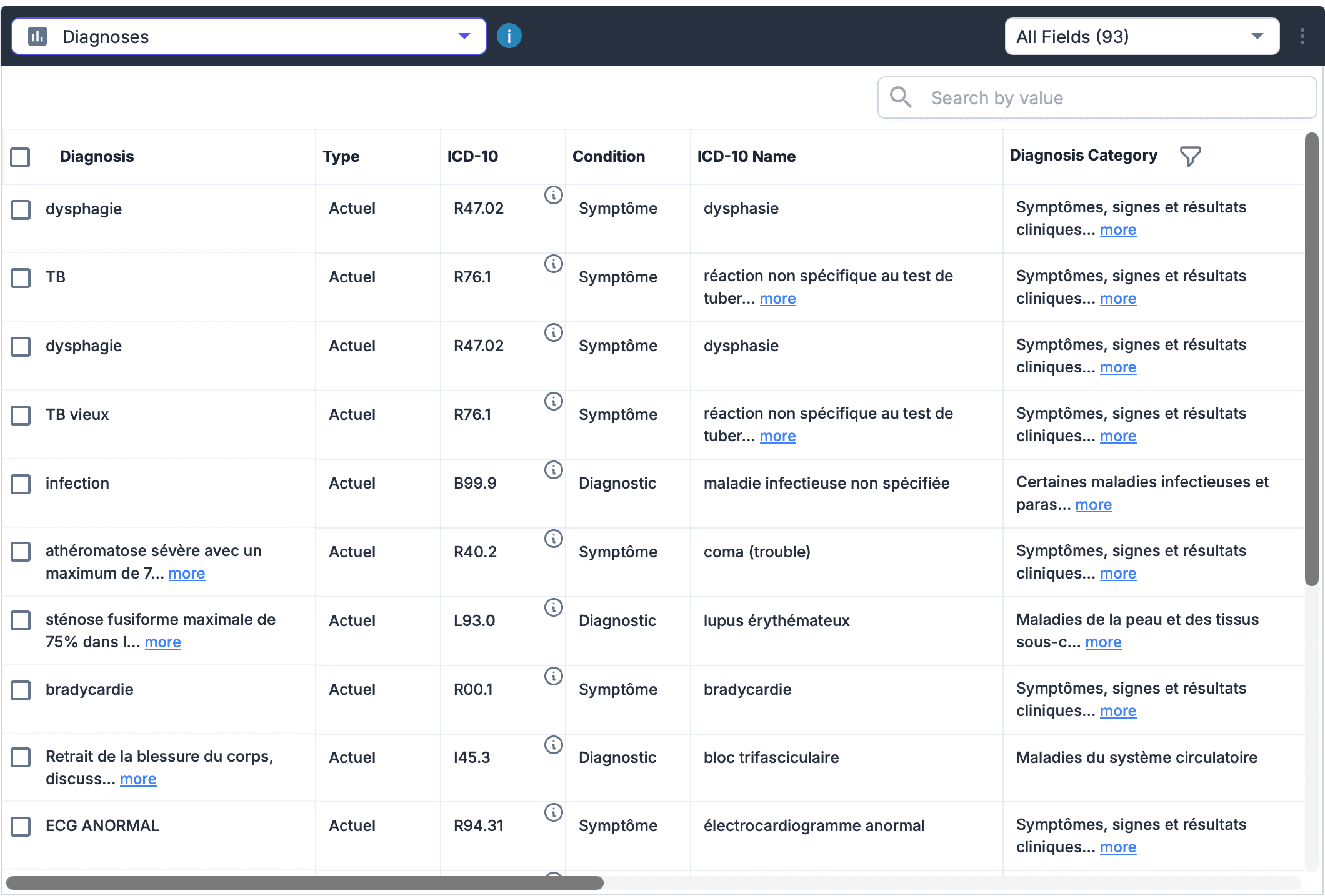
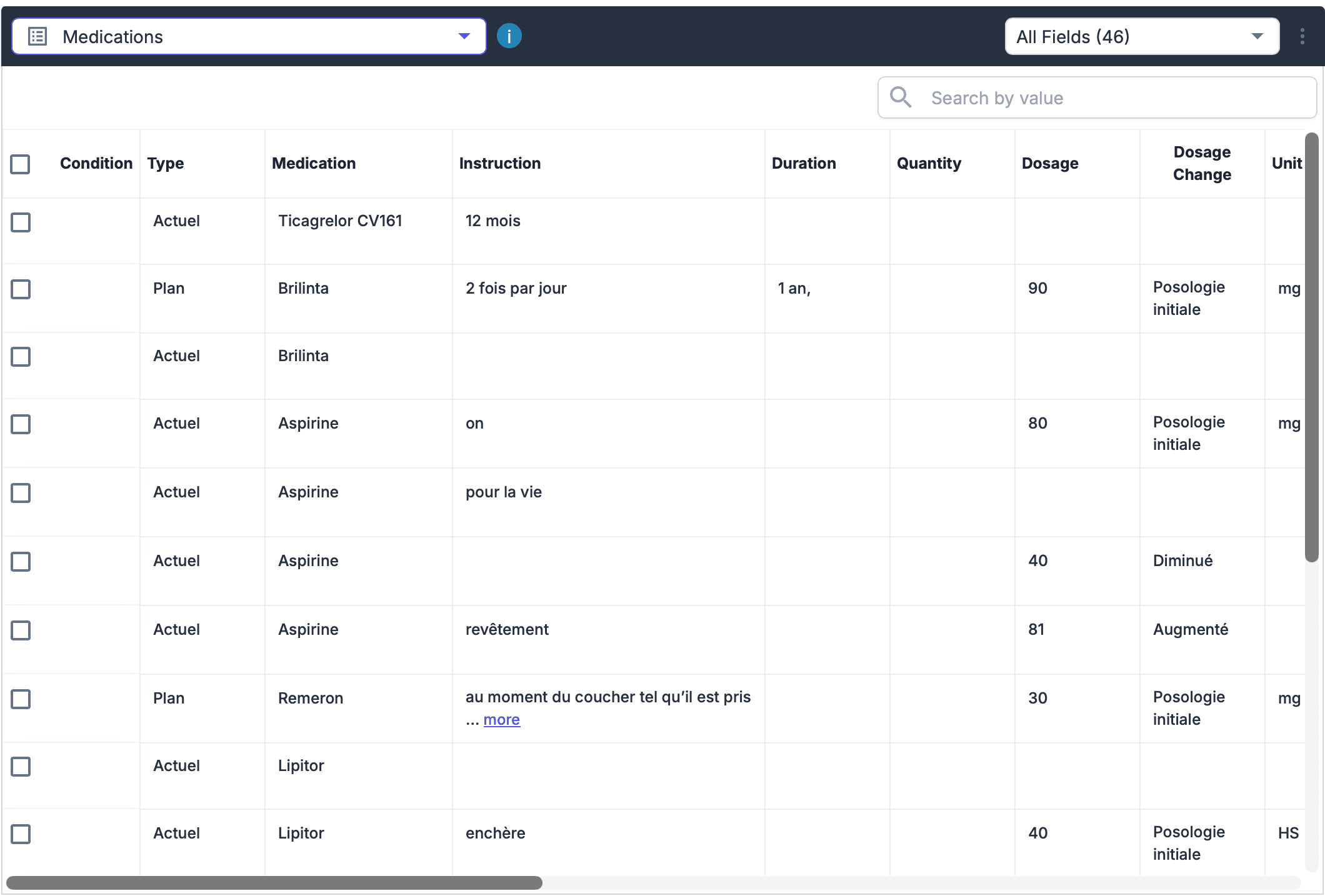
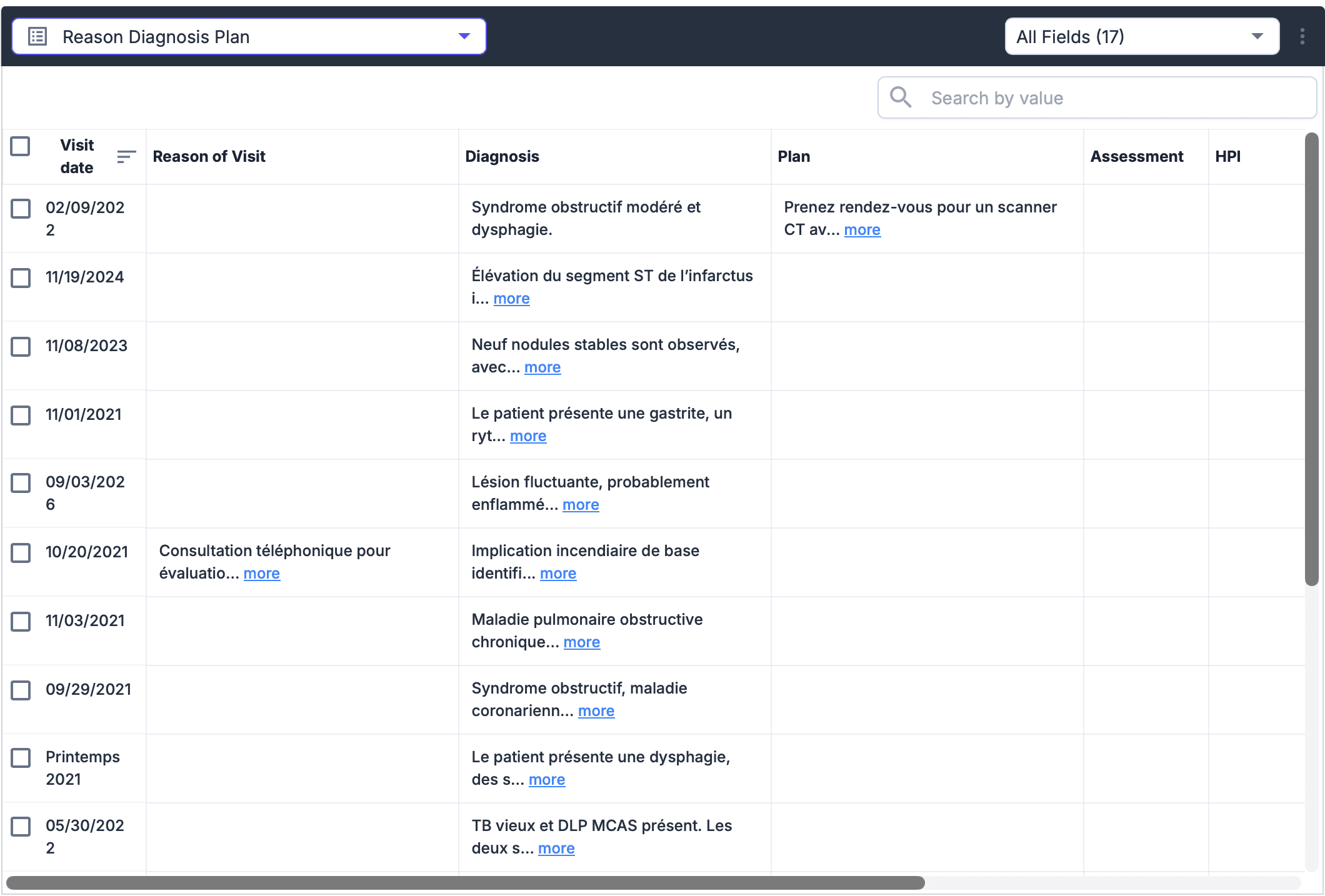
Every OCR token gets a stable ID and bounding box. The model returns structured tags with those word IDs. The pipeline checks that the value actually appears in the cited spans (a ±15% window retry, then reject), then paints the field on the page.
A section router picks which prompts to run so a blank page does not fire forty calls. Azure, vLLM Qwen, Bedrock, Gemini, and Ollama share the same JSON contract. Feature flags pick the provider. This is not the chat graph.
Outcomes
Extraction accuracy improved from 84% to 88%.
Ungrounded fields never ship; manual review dropped by around 60% because reviewers click the box instead of re-reading the page.
How it works

Ground, accept, or reject

What we built
Spatial grounding
Word IDs
Every OCR token (tables, marks, and handwriting included) gets an ID and a box.
Model contract
Each field is tag, value, word IDs, and confidence.
Hallucination check
The value must appear in those word IDs; if not, search a ±15% window, else reject.
Box on the page
Accepted fields map to left, top, right, bottom on the scan.
Provider routing
Same contract, many backends
Azure, vLLM Qwen, Bedrock, Gemini, and Ollama. Flags pick the provider.
Section router
Choose labs, meds, policy, and skip empty sections.
Handwriting vs print
A crop classifier attaches the page image only when handwriting is present.
How it works
The document intelligence pipeline still produces OCR words. This layer assigns IDs, routes sections, extracts, then grounds. Callers are queue workers, not a patient UI.
Print-only pages can skip attaching the image. Hosted and self-hosted models are interchangeable because they return the same field schema.
Integrations
Document intelligence pipeline
OCR words and boxes feed this layer instead of replacing it.
Azure, Bedrock, Gemini
Hosted extract against the same JSON contract.
vLLM Qwen and Ollama
Self-hosted extract when pages should stay in-house.
Have a similar challenge?
Start a project